 SupaFocus
Block Distracting Apps.
Take Back Your Time.
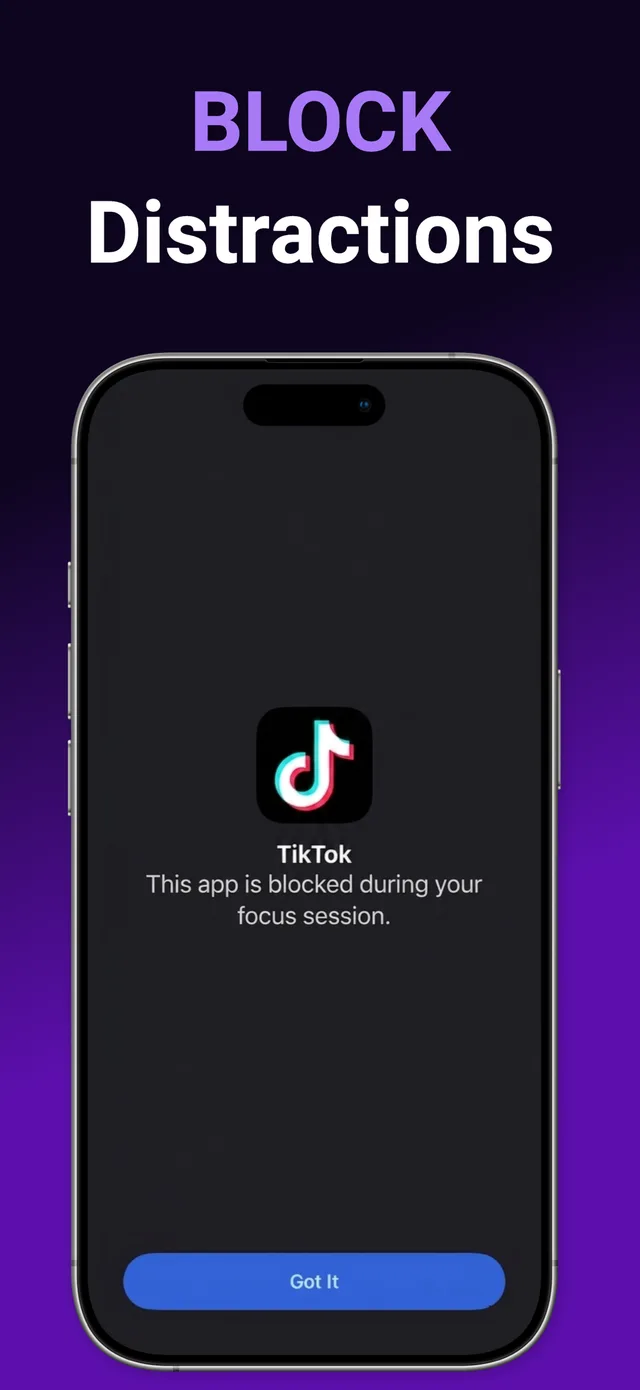
SupaFocus is the screen time control app that blocks distracting apps and websites at the system level — powered by Apple's Screen Time API. Start a focus session, and Instagram, TikTok, and YouTube simply stop working until you're done. No willpower needed.
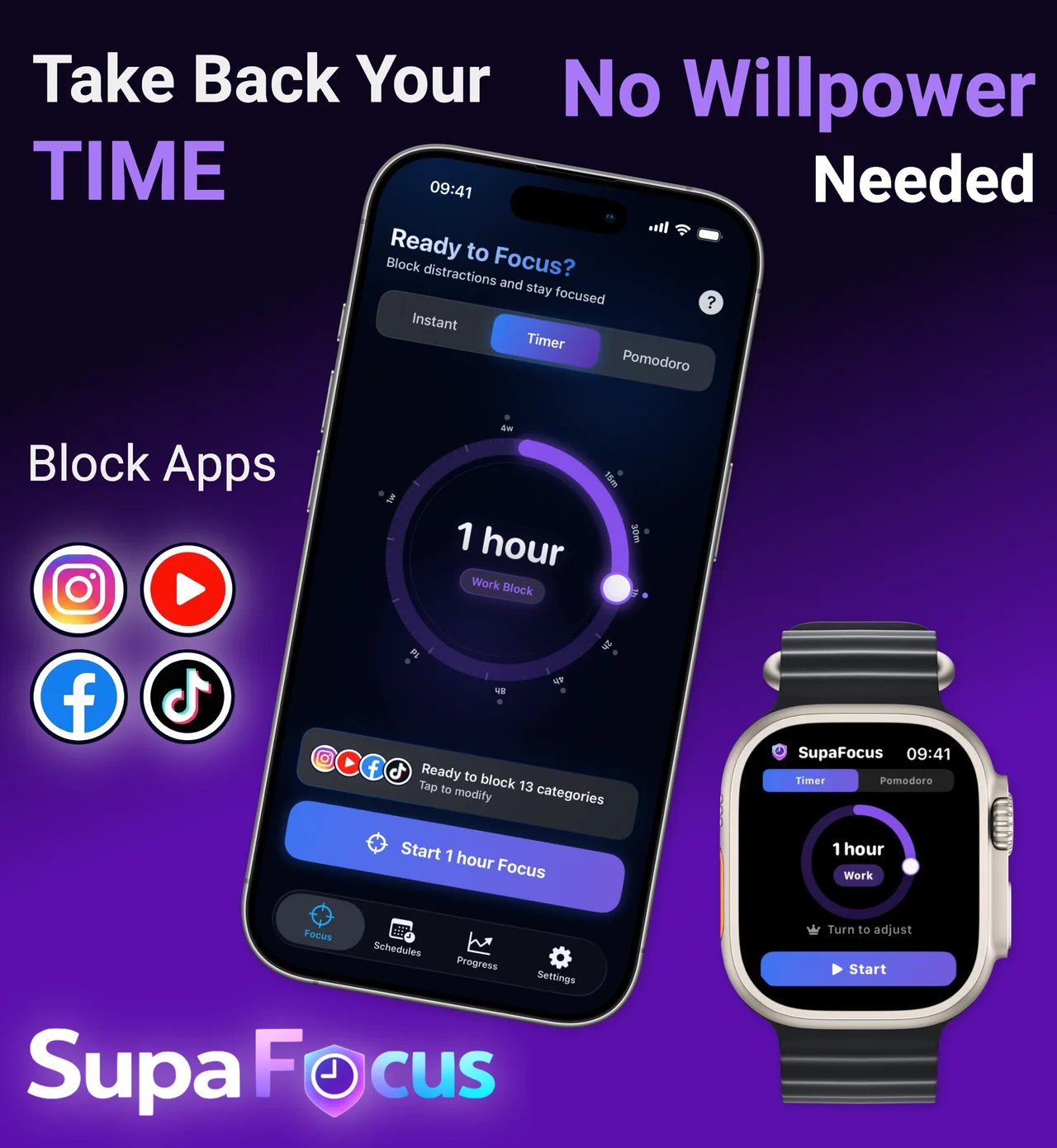
Your Phone, Finally Under Control
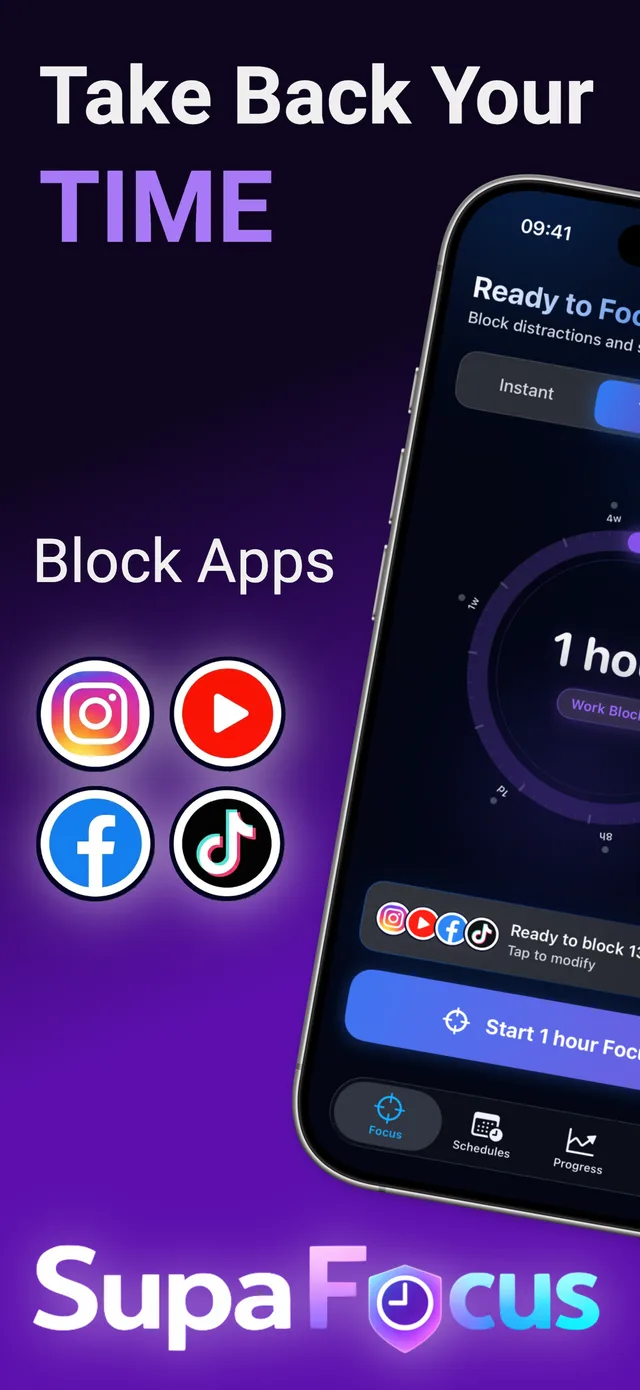
Blocking That Actually Works
App & Website Blocker
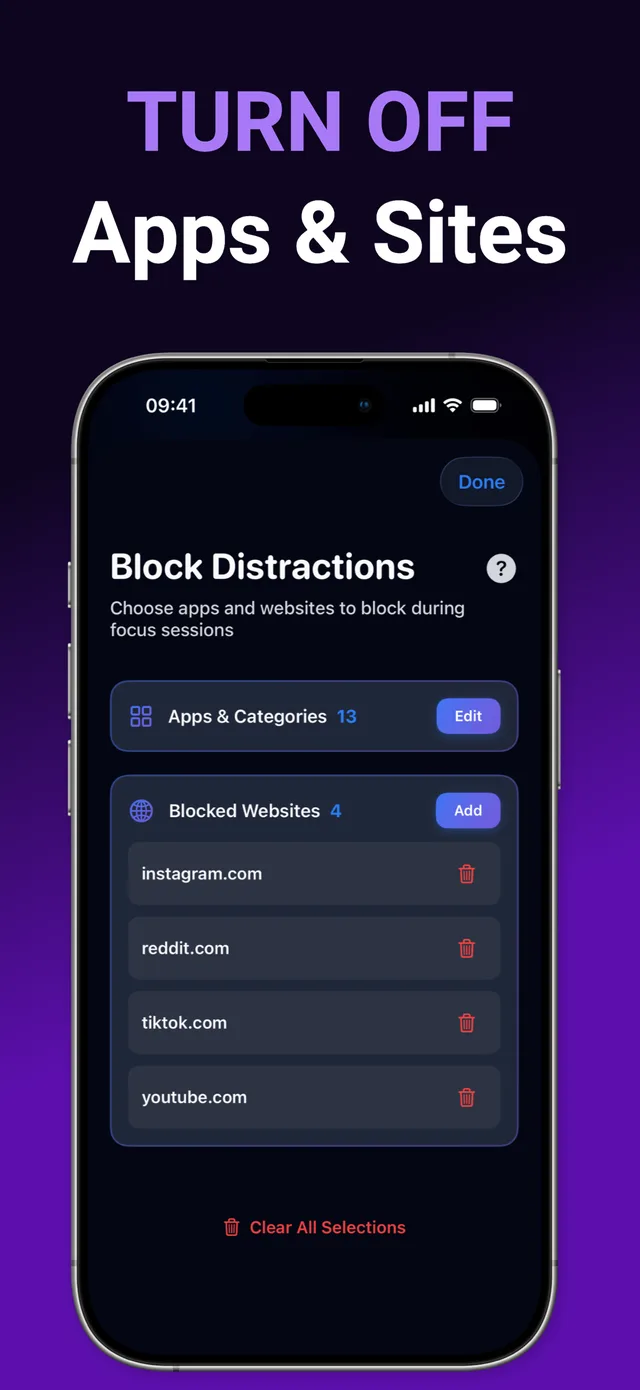
Block social media, games, news, and any website in Safari during focus sessions. System-level blocking via Apple's Screen Time API — not a flimsy overlay.
Daily Usage Limits
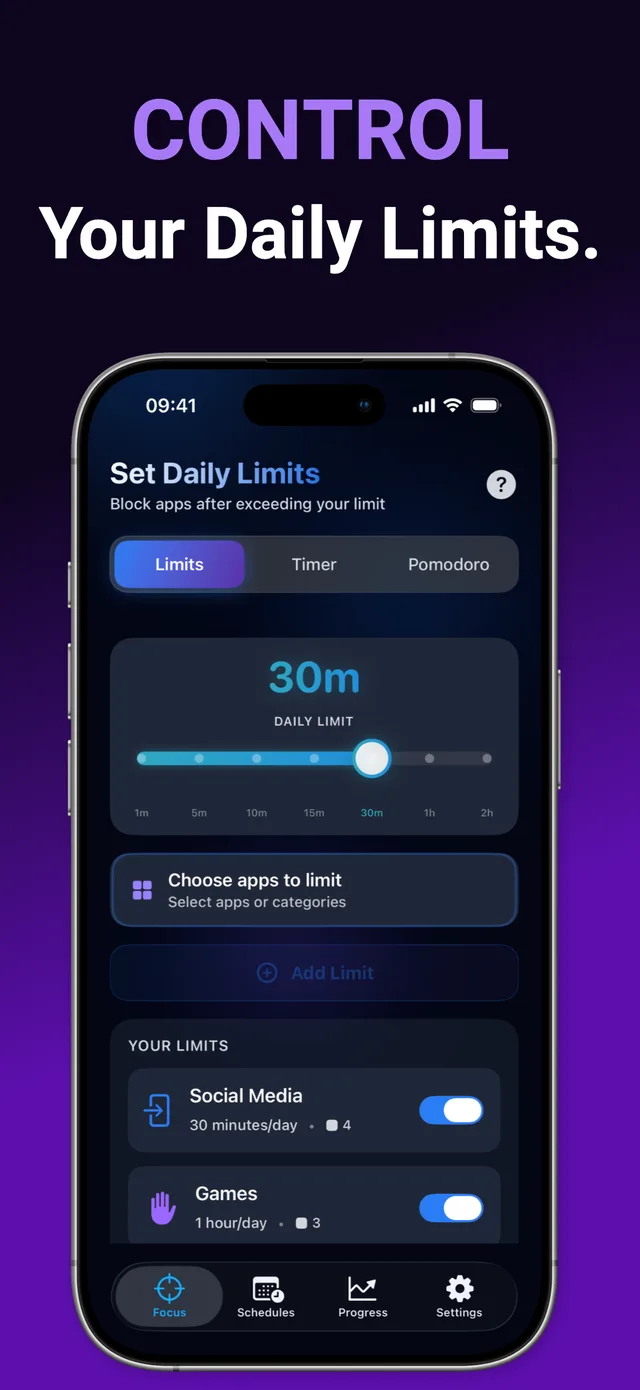
Give Instagram 30 minutes a day. Exceed it, and the app is automatically blocked until midnight. Healthier habits, on autopilot.
Focus Schedules
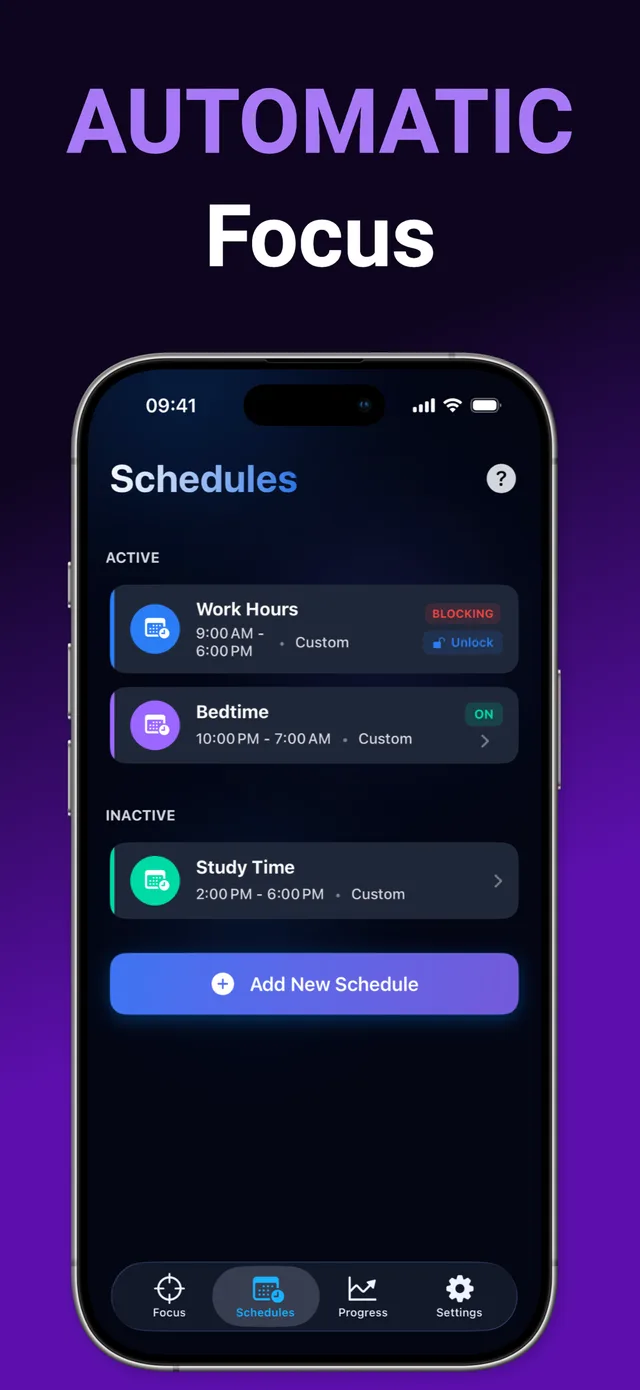
Automatically block apps during work hours, study time, or bedtime. Set it once and your phone enforces it every day.
Strict Lock-In Modes
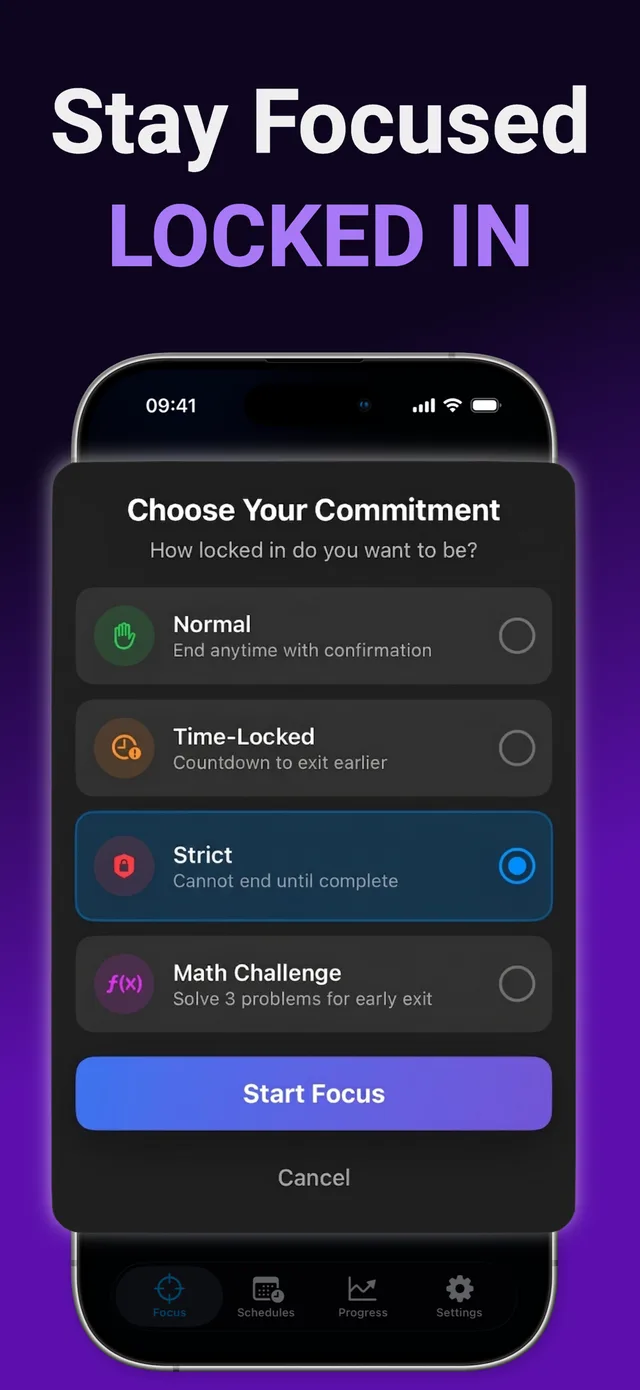
Time-locked exits, math-challenge exits, or full Strict mode you cannot end early. The blocker you can't talk yourself out of.
Pomodoro & Custom Timer
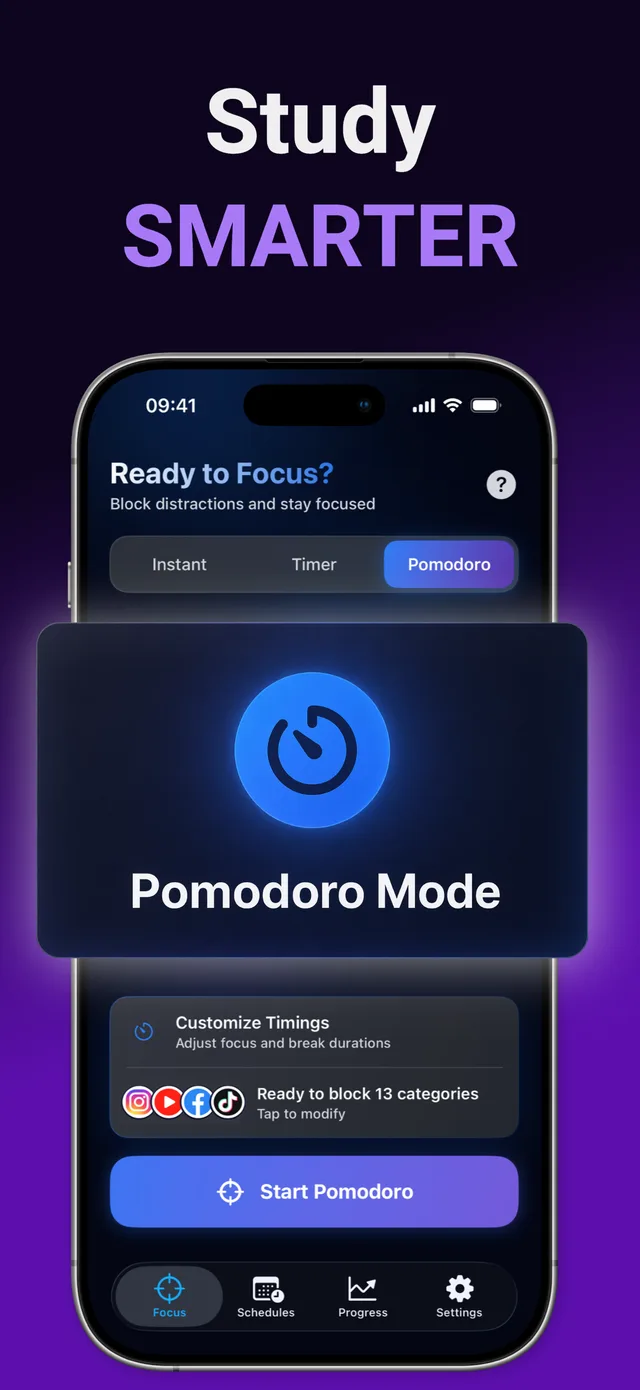
25-minute Pomodoro blocks with automatic breaks, or any custom duration from 5 minutes to 4 weeks.
Progress, Streaks & Watch
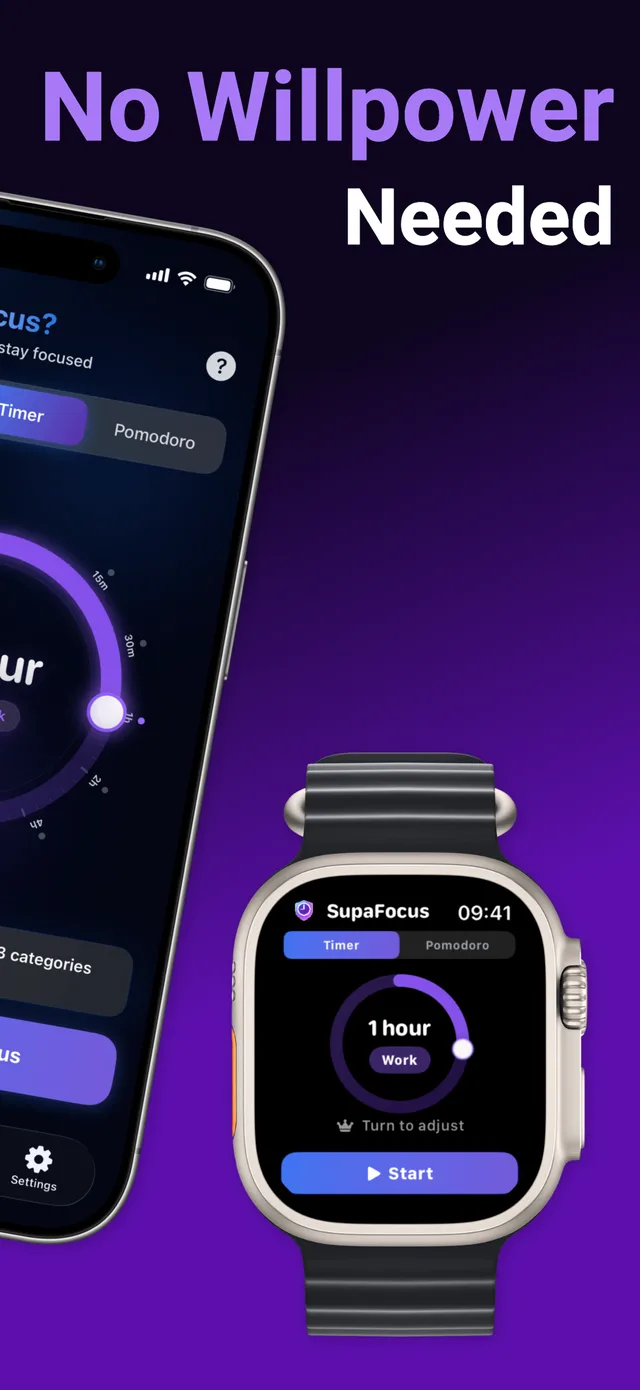
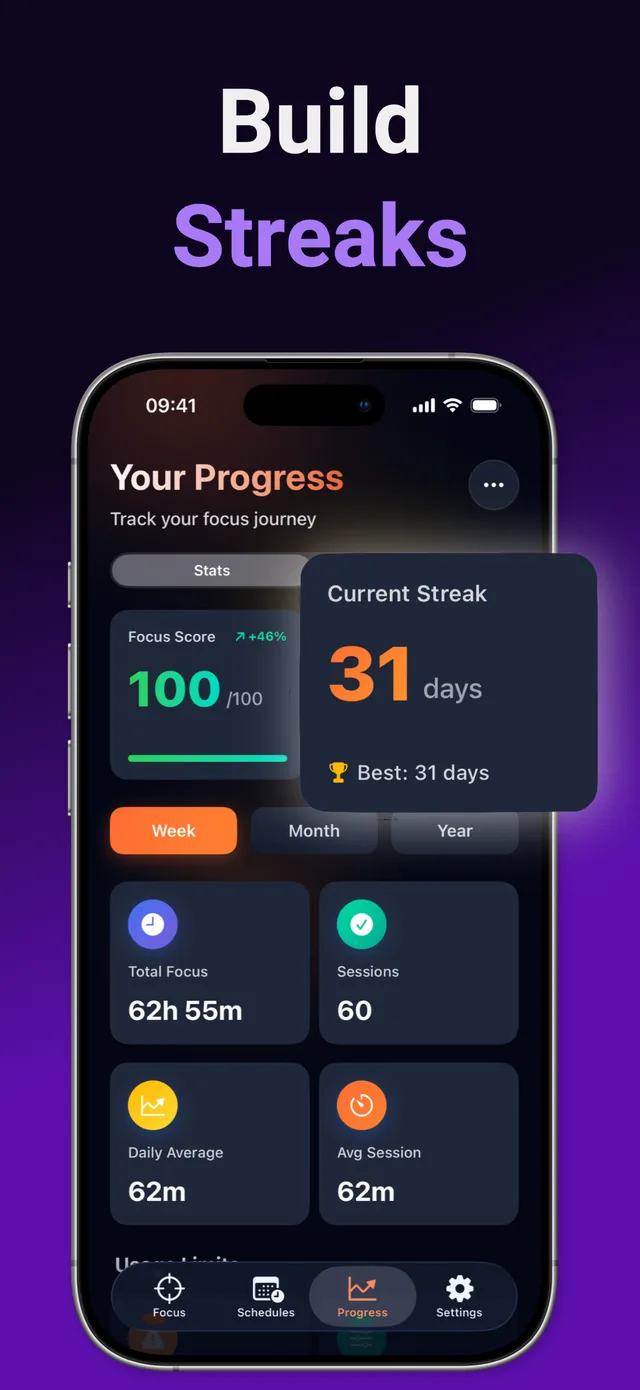
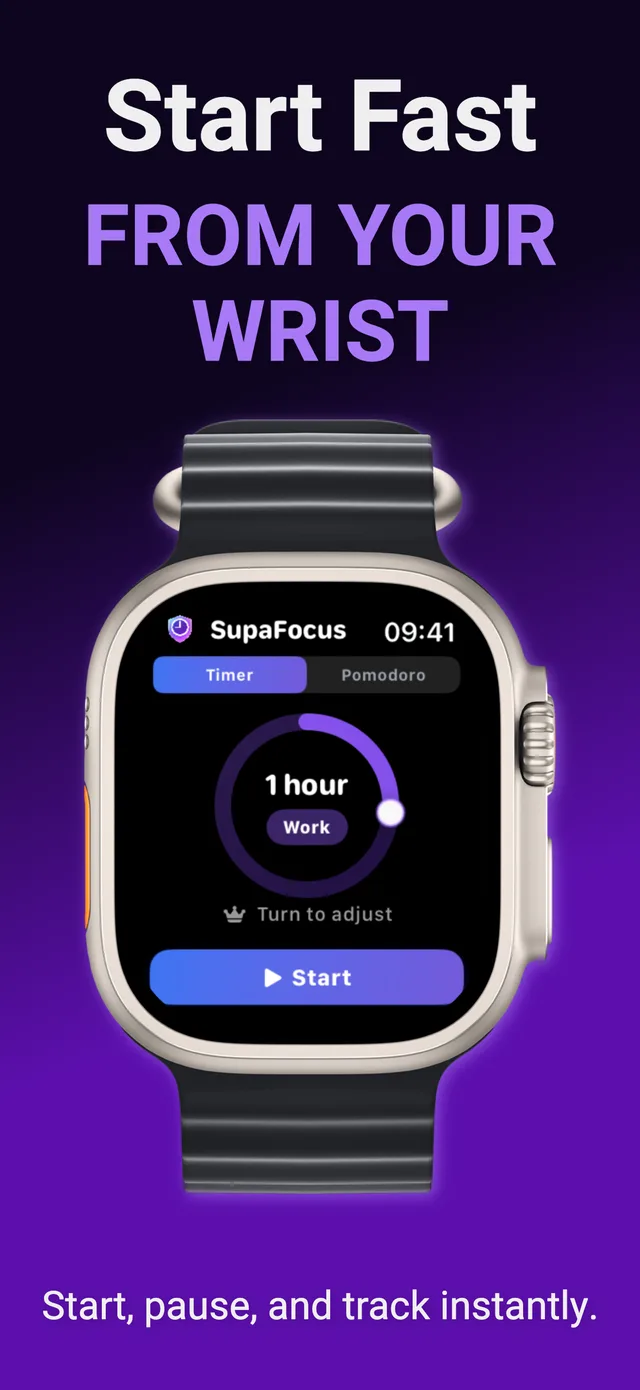
Focus stats, 50+ achievements, daily streaks, CSV export, and a free Apple Watch companion — all included.
Focused in Under a Minute
Choose your distractions
Grant Screen Time permission once, then pick the apps and websites that steal your time — Instagram, TikTok, YouTube, games, news.
Start a focus session
Pick a custom timer, a Pomodoro cycle, a daily limit, or a recurring schedule. Choose how locked-in you want to be — from gentle to unbreakable.
Distractions go silent
Blocked apps and sites simply won't open until the session ends. Track your progress, build streaks, and watch your focus hours grow.
Learn to Beat Distraction
Practical, step-by-step guides to blocking apps, cutting screen time, and building deep-focus habits on iPhone.
How to Block Apps on iPhone
Every way to block distracting apps on iOS — and how to make the block actually stick.
Read guide →How to Block Websites on iPhone
Block YouTube, Reddit, news, or any site in Safari during focus time.
Read guide →How to Reduce Screen Time
A realistic system to cut hours off your daily screen time — without deleting everything.
Read guide →How to Stop Doomscrolling
Why your brain can't stop scrolling — and the blocker-based fix that works tonight.
Read guide →Block Social Media Apps
Block Instagram, TikTok, Facebook & X on a timer, a limit, or a schedule.
Read guide →App Blocker for Studying
Study for exams without your phone winning. Setup used by top students.
Read guide →Pomodoro Timer for iPhone
The Pomodoro technique, supercharged: 25-minute sprints where apps are actually blocked.
Read guide →Set App Time Limits on iPhone
Set a daily budget for social media and games — enforced automatically.
Read guide →Block Apps on a Schedule
No social media during work hours. No games after 10pm. Automatically.
Read guide →An App Blocker You Can't Turn Off
Keep bypassing your own limits? Strict mode makes quitting impossible.
Read guide →Dopamine Detox Guide
Reset your brain's reward system with a structured, app-enforced detox.
Read guide →App Blocker for ADHD
External structure beats willpower. An ADHD-friendly focus setup for iPhone.
Read guide →Frequently Asked Questions
How do I block apps on my iPhone?
Download SupaFocus, grant Screen Time permission once, select the apps you want to block, and start a focus session. The apps are blocked at the system level until the timer ends — tapping them shows a block screen instead of opening. Learn more →
Can SupaFocus block websites like YouTube, Reddit, or TikTok in Safari?
Yes. Add any domain — youtube.com, reddit.com, tiktok.com, news sites — to your blocked list and it becomes unreachable in Safari during focus sessions or scheduled blocks. Learn more →
What's the most effective way to reduce my screen time?
Willpower alone rarely works. The reliable method is friction: block your worst apps during key hours, cap the rest with daily limits, and track the trend. SupaFocus automates all three. Learn more →
How do I stop doomscrolling at night?
Create a bedtime schedule that automatically blocks social media and news apps from, say, 10pm to 7am. Your feed simply won't open, and the urge fades within days. Learn more →
Can I block only Instagram and TikTok but keep everything else?
Yes. SupaFocus lets you hand-pick exactly which apps and websites to block — block Instagram and TikTok while keeping Messages, Maps, and work apps fully available. Learn more →
Is SupaFocus good for studying and exams?
Yes — students are a core use case. Combine Pomodoro sessions with blocked social apps and a "Study Time" schedule, then track your focus hours per week. Learn more →
Does SupaFocus have a Pomodoro timer?
Yes. Pomodoro mode runs 25-minute focus blocks with automatic 5-minute breaks — and unlike a plain Pomodoro app, your distracting apps are actually blocked during each block. Pro users can customize timings. Learn more →
Can I set a daily time limit for specific apps?
Yes. Set a daily budget like 30 minutes of social media. When you exceed it, those apps are automatically blocked until midnight, and you get a notification. Learn more →
Can apps be blocked automatically at certain times of day?
Yes. Focus Schedules block chosen apps on a recurring timetable — "no social media 9am–6pm" or "no games after bedtime" — with zero daily effort. Learn more →
What if I just turn the blocker off? Is there a mode I can't bypass?
SupaFocus has escalating commitment levels: Time-Locked (wait to exit), Math Challenge (solve 3 problems), and Strict mode — which cannot be ended until the session completes. Learn more →
Can I use SupaFocus for a dopamine detox?
Yes — it's ideal. Block your high-stimulation apps for a day, a weekend, or up to 4 weeks in one session, with Strict mode keeping you honest. Learn more →
Does SupaFocus help with ADHD and phone distraction?
Many users with ADHD rely on external structure instead of willpower. Schedules, hard blocks, visible streaks, and instant Apple Watch starts make SupaFocus a strong fit. Learn more →
Is SupaFocus free?
Yes — blocking, focus timer, Pomodoro, one schedule, one usage limit, full statistics, achievements, and the Apple Watch app are free. Pro adds unlimited schedules & limits, Strict mode, Math Challenge, and custom Pomodoro timings, with a 3-day free trial.
Is my data private?
SupaFocus uses Apple's Screen Time API, which is privacy-preserving by design — your app usage is processed on-device. See our Privacy Policy for details.
Your Focused Self Is One Session Away
Join the people who stopped negotiating with their phone. Download SupaFocus free and start your first distraction-free focus session in under a minute.