 SupaFocus
How to Block Social Media Apps on iPhone
To block social media on iPhone, select exactly the apps you want silenced — Instagram, TikTok, Facebook, X — in an app blocker like SupaFocus, then block them three ways: during focus sessions, after a daily time limit, or on an automatic schedule. Everything else on your phone keeps working.
Surgical blocking, not a phone lockdown
You don't need a dumb phone. You need Instagram to stop working while Maps, WhatsApp, banking, and your camera keep working. SupaFocus blocks only what you choose — individual apps, whole categories like Social, and the matching websites so Safari isn't a back door.
Three ways to block social media
- Focus sessions — block on demand for 25 minutes or 4 weeks. Best for deep work and detoxes.
- Daily limits — allow 30 minutes of social media a day; when it's spent, the apps block until midnight. Best for cutting down without quitting.
- Schedules — automatically block during work hours or overnight, every day. Best for permanent guardrails.
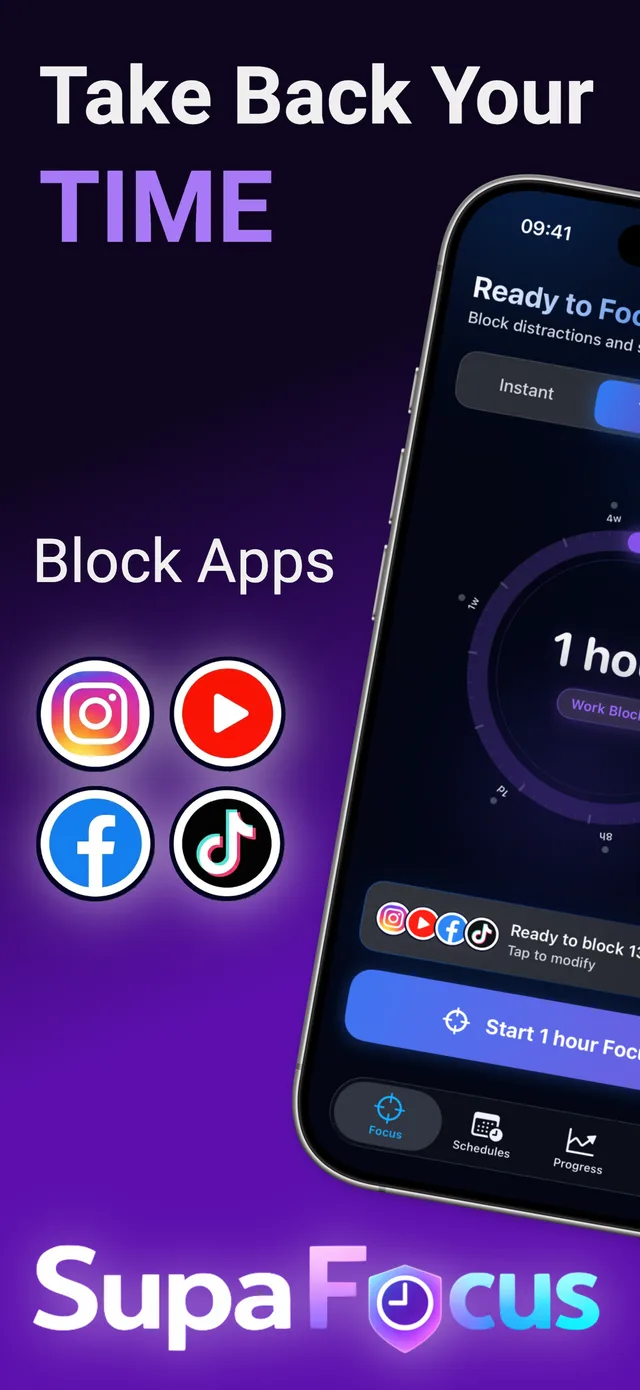
How to block Instagram, TikTok and other social apps with SupaFocus
Select your social apps
In SupaFocus, pick Instagram, TikTok, Facebook, X — or select the whole Social category in one tap.
Add the websites too
Add instagram.com, tiktok.com, x.com to blocked websites so the browser isn't an escape hatch.
Pick your blocking style
Start a focus session now, set a 30-minute daily limit, or create a recurring schedule.
Raise the stakes if needed
If you keep unblocking early, switch to Math Challenge or Strict mode.
Ready to try it?
SupaFocus is free on the App Store. Set up your first block in under a minute.
Download SupaFocus FreeFrequently asked questions
Can I block just Instagram Reels or TikTok's feed?
iOS blocking works at the app level, so you block the whole app. A 15–30 minute daily limit is the best way to keep messaging while capping feed time.
Will I still get notifications from blocked apps?
Blocked apps can't be opened during a session. To silence their notifications too, pair SupaFocus with an iOS Focus mode.
Can I block social media on my kid's iPhone?
SupaFocus is designed for self-control on your own device. For parental controls, use Apple's Family Screen Time; for your own habits, SupaFocus gives you far stronger tools.